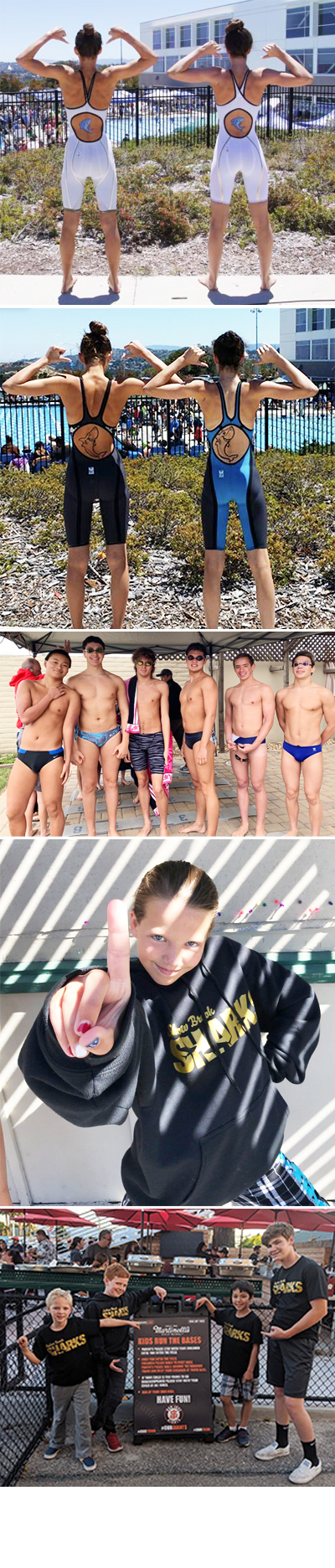
End of Season Slideshow - Sharks Photos Requested
This is a correction to the email sent earlier today. Please note the revised email for Evan Dworkin of [email protected]. Thank you!
Hello Sharks Families and Friends,
Please see the important note below regarding our end of season slide show. Thank you to Evan Dworkin for his time and energy with this slideshow!!
Take lots of great pictures/videos and Go Sharks!
+++++++++++++
Dear Shadow Brook Families,
At the end of this Sharks season there will be a slideshow including pictures and movie clips of the swimmers, family and friends. Evan Dworkin volunteered again this year to take on the task of creating the slide show to be screened at our awards night on July 14. But it will not be possible without your help. Please take pictures and movies at swim meets and other Sharks activities. These could be included in the slideshow. We hope you understand that not all pictures and movies can be included, unless you want the slideshow to be 8 hours long! The editors do their best to include everyone.
Please see the instructions below for how to contribute photos and/or videos to the slideshow.
Thank you for helping to make this year's slideshow awesome!
Instructions
- Go to www.dropbox.com from any web browser.
- Click “Sign In” at the top right of the screen.
- Sign in with the email [email protected] and the password sharks2019.
- Find and click on the folder that matches the event for the photos/videos you want to upload.
- Upload your pictures into the corresponding meet/event folder. For example, if you have photos/videos from one of the dual meets, just click on the folder corresponding to that event. Then click “Upload files” from the menu on the right. You then select your files to upload.
- Repeat the process of uploading files to each of the folders where you want to contribute. If you are in a sub-folder, you can return to the top level folder by clicking on the Dropbox parent folder at the top, or on the link “Files” or “My files” on the left.
If you have any trouble uploading your files please email Evan Dworkin at [email protected] or Jim Dworkin at [email protected] for help.
Deadlines
For all files before Champs, the deadline to upload is Monday, July 8th by 7 PM.
For Champs, the deadline to upload is Saturday, July 13th by 10 PM.
Security
- DropBox has a certain level of security like other social media sites. More information on DropBox can be found at www.dropbox.com.
Advice
- Please look CRITICALLY at your photos BEFORE you send them.
- Send only your best photos – in focus and you can clearly identify the swimmer / people / context.
- Add the names of the swimmers to the photos, either in the file name or the embedded metadata, so we can make sure everyone is included.
- If you cannot manage the DropBox system, you can deliver the photos on a memory stick to the pool and put it in the Dworkin Family file with your last name on the stick so we can return it to you. Please email Evan if this is what you wish to do.
- START TODAY and don’t wait until the last minute, otherwise your photos might not be included.